Bumping an email thread
If there has been no reply on an email thread for a while you can bump it by doing reply-all to teh last message you sent in the thread.
Wolves
Assuming the Committee Admin (most often President) has permitted access then all committee have access to the email on Wolves by default:
https://cp.ulwolves.ie/mailbox
Sending to all Members
To send mail to all members tick the BCC X/Y Active Members option.

It is not recommended to tick the Add active committee members emails as they have access to this inbox regardless and you could accidentally DOXX them
Skynet
As a computer society we host emails for our members.
To use this you need a Skynet account and followed the procedure for adding committee members
Between committee and Root team we have had several addresses over the years that have been used.
The current breakdown can be found here
If any email has arrived in on the inboxes then it will appear in a folder in your normal skynet inbox.
Sending email
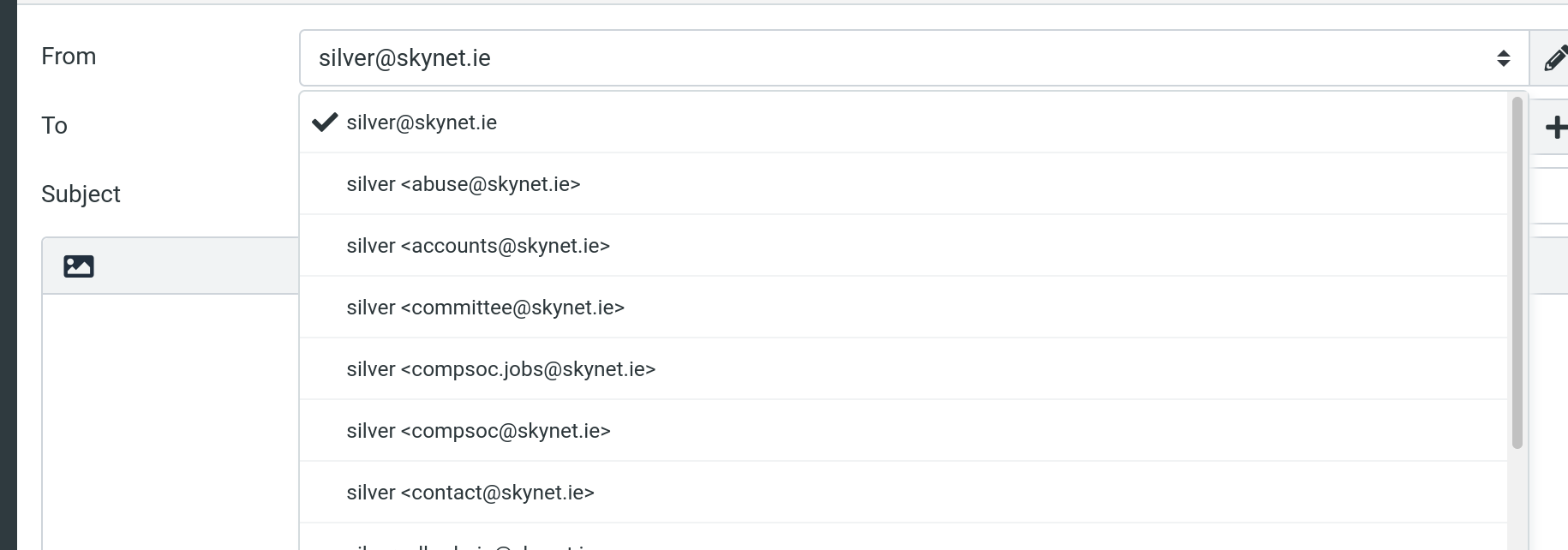
To send email from any of the mailboxes you can select it from the dropdown.
Only the inboxes you currently have access to will be displayed.